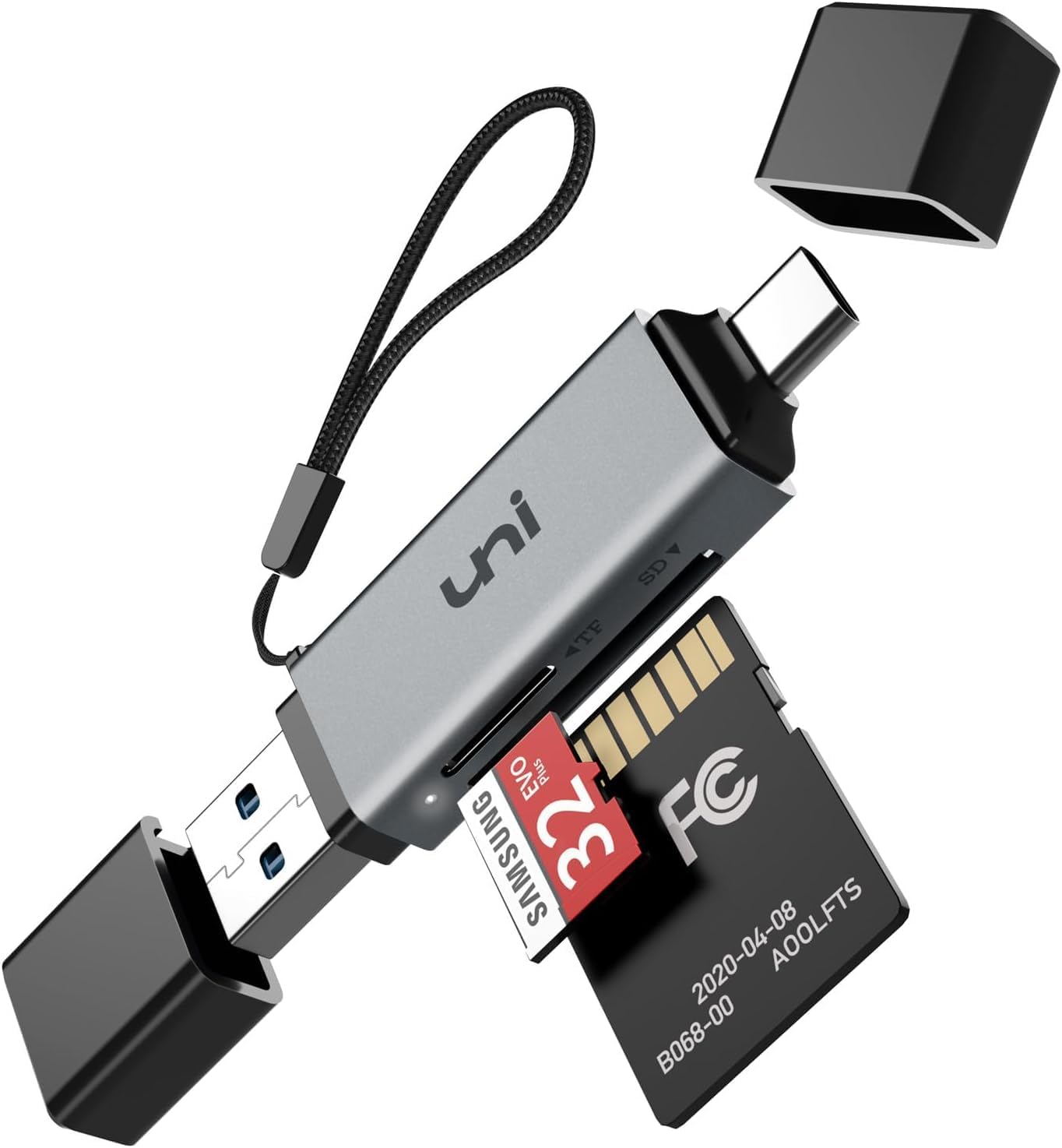
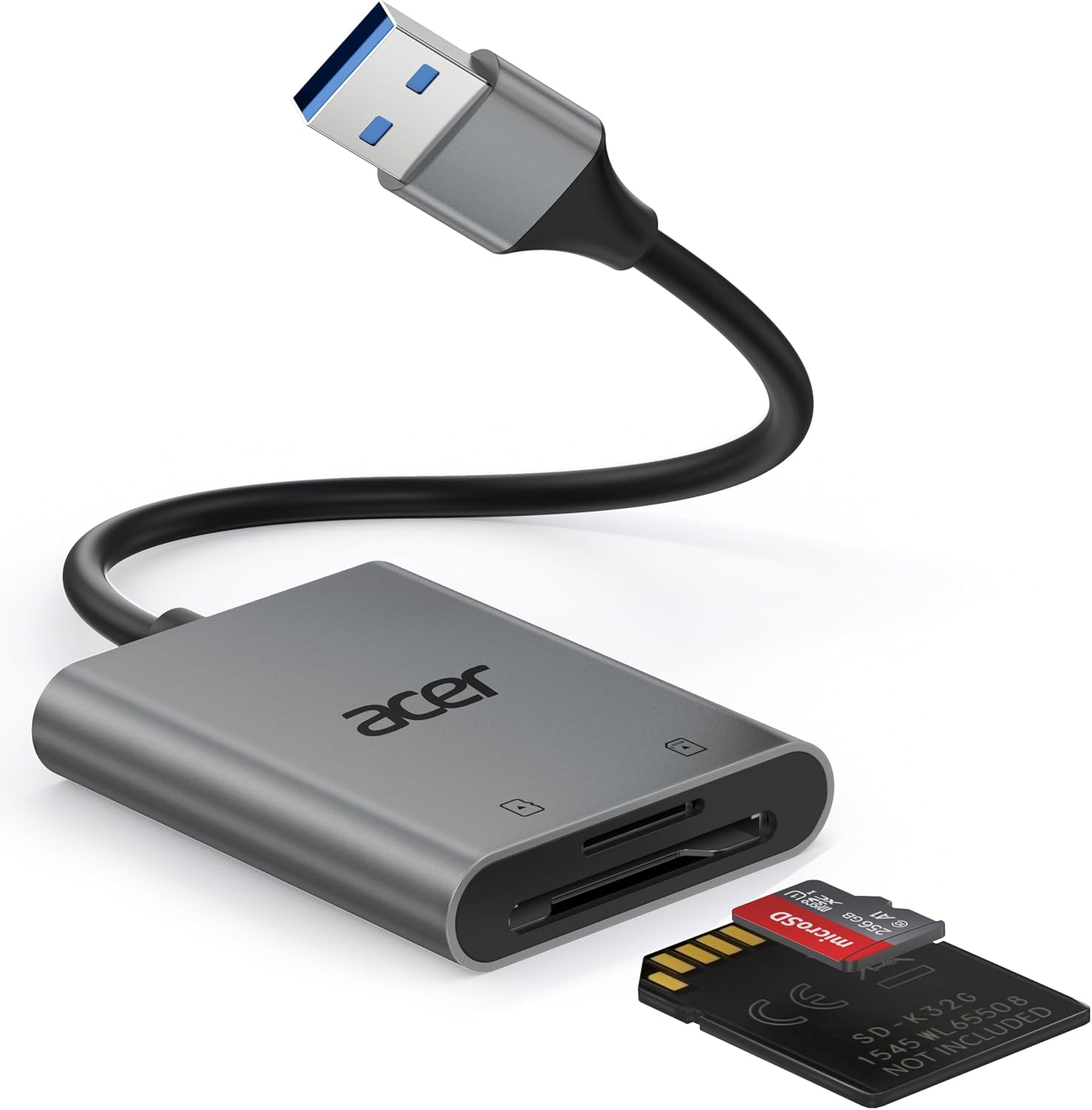
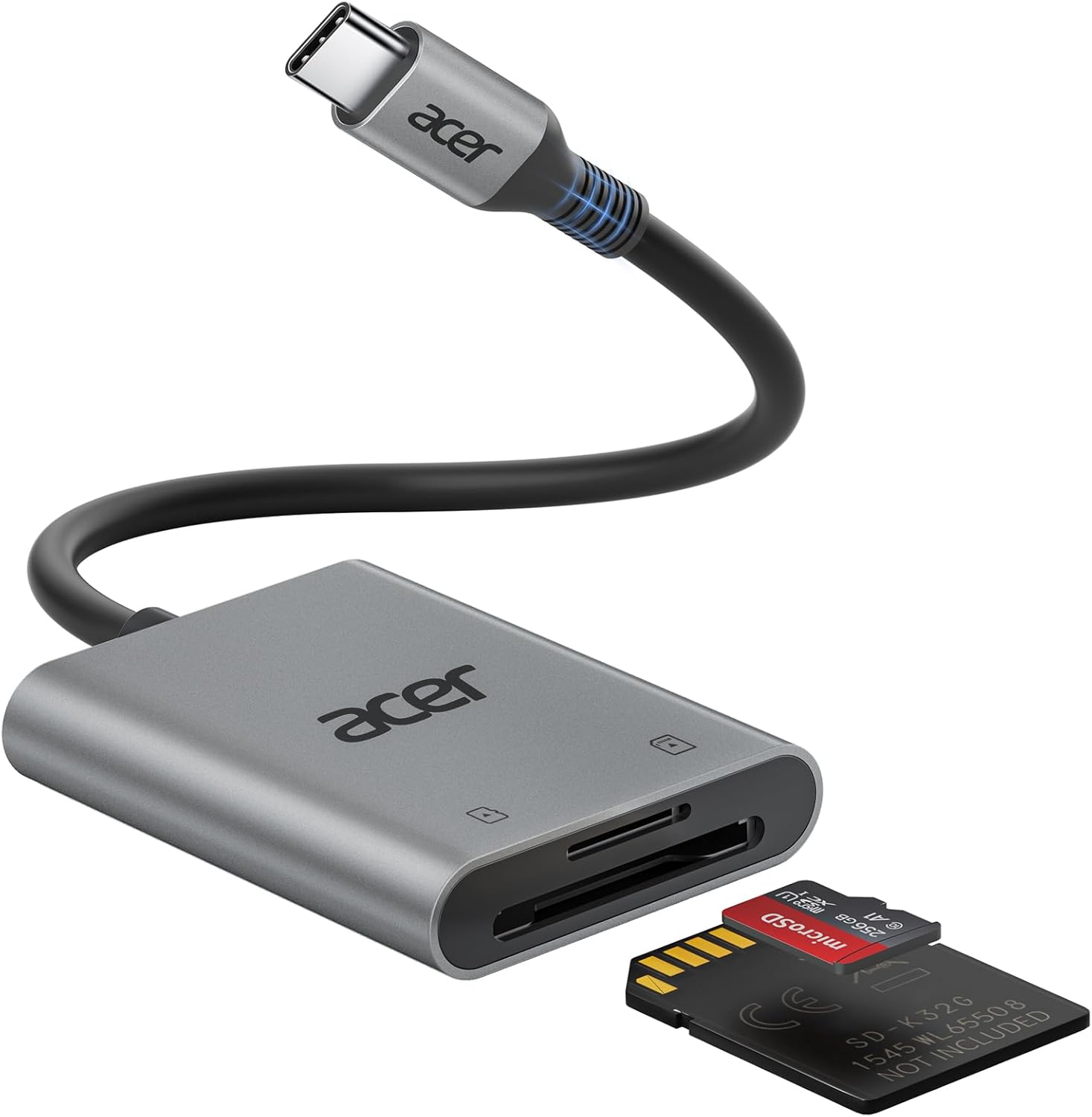
Affiliate disclosure: purchases do not change your price. A small portion supports this local-first reporting tool.
GNU/OSCAR Copyright and Distribution Notice
This app contains parser behavior derived from OSCAR (Open Source CPAP Analysis Reporter), which is GPLv3-licensed software.
Attribution from OSCAR repository materials: SleepyHead copyright (C) 2011-2018 Mark Watkins; portions of OSCAR copyright (C) 2019-2026 The OSCAR Team.
Distribution requirement: if you distribute this app, or modified versions that include GPL-covered OSCAR-derived code, provide corresponding source code and preserve GPLv3 terms and attribution notices.
No warranty: this software is provided without warranty, consistent with GNU GPL terms.